How to Create a New Account on InstaFinancials? (Foreign Users)
Creating a New Account on InstaFinancials is FREE. Any foreign user can create a Login ID for free using a valid Email ID. Follow the below mentioned steps to create a login ID:
- Visit InstaFinancials (Use Google Chrome for a better experience)
- On the top right corner, Click on Start for Free to create an account
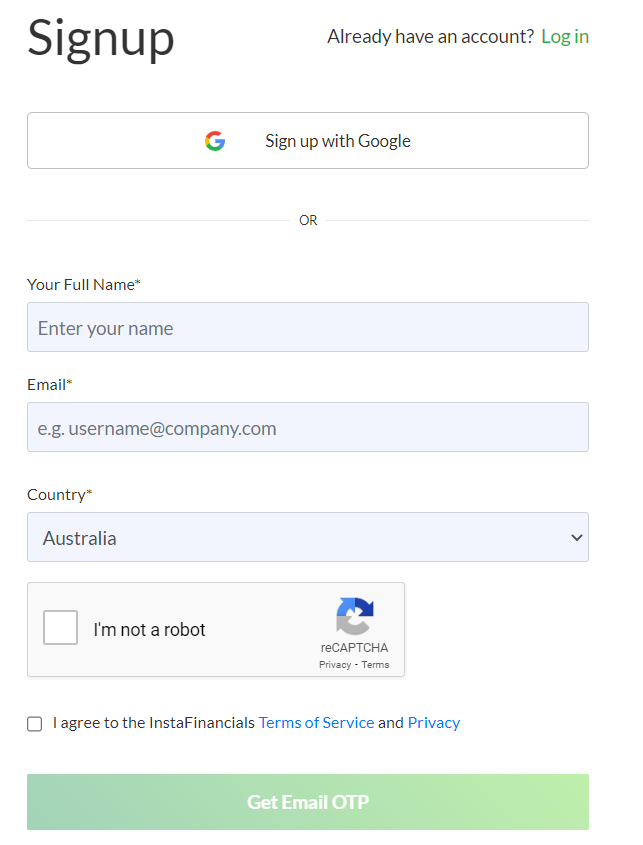
- Signup by entering your details
- Enter your Full Name, Email and select the Country from the drop down menu (State details are not required for Foreign Users )
- Click on the checkbox I’m not a robot
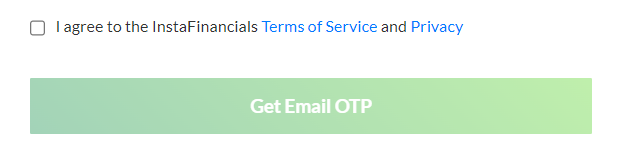
- Click on the checkbox I agree to the InstaFinancials Terms of Service and Privacy and then Click on the button Get Email OTP
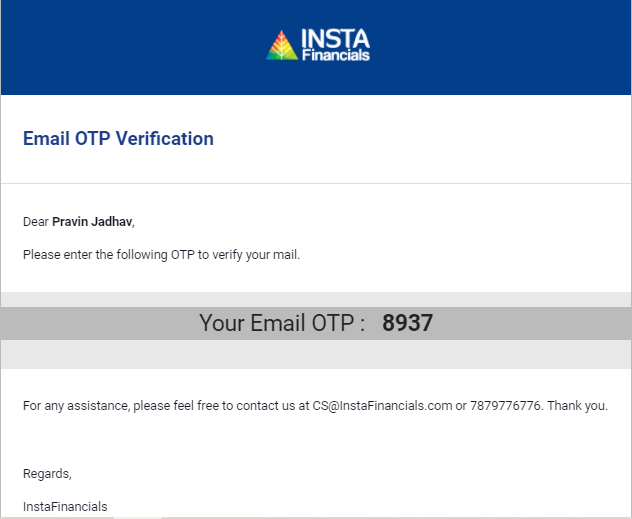
- Verify your mail ID with Email OTP received on your email (Sample OTP Mail mentioned below)
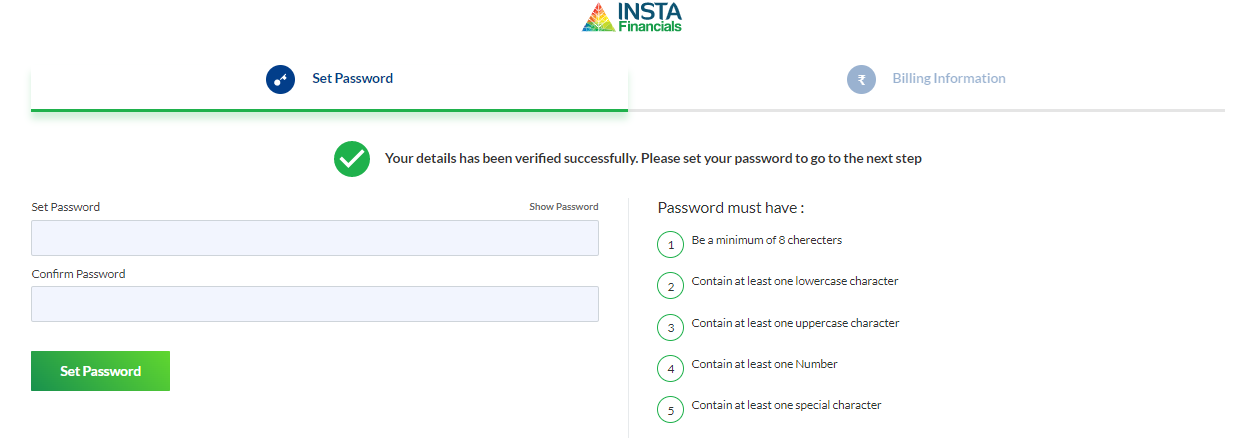
- Set a strong Password by fulfilling the given criteria.
- Update Billing Information: Once the password has been set, You can either choose to update Billing information, or you can update it later by skipping the step.



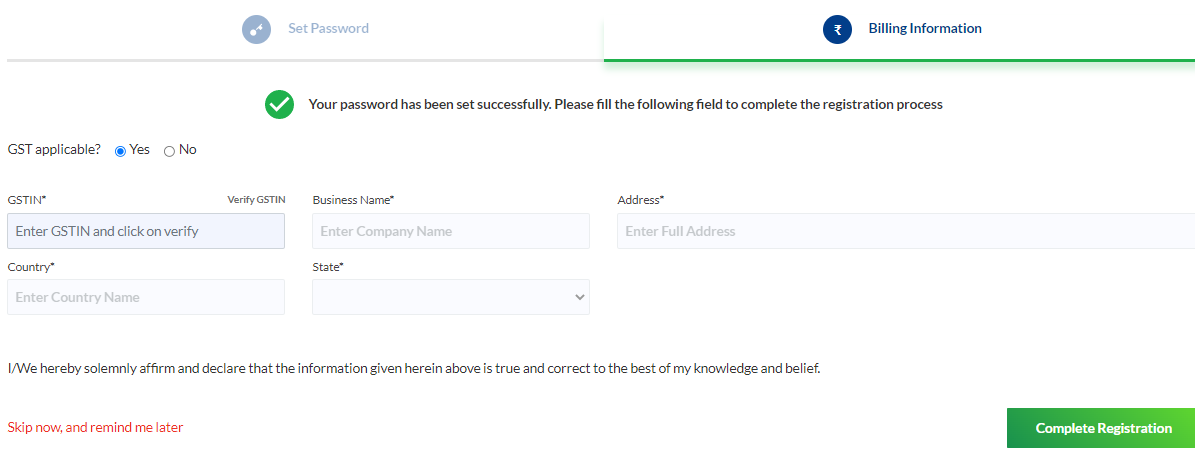
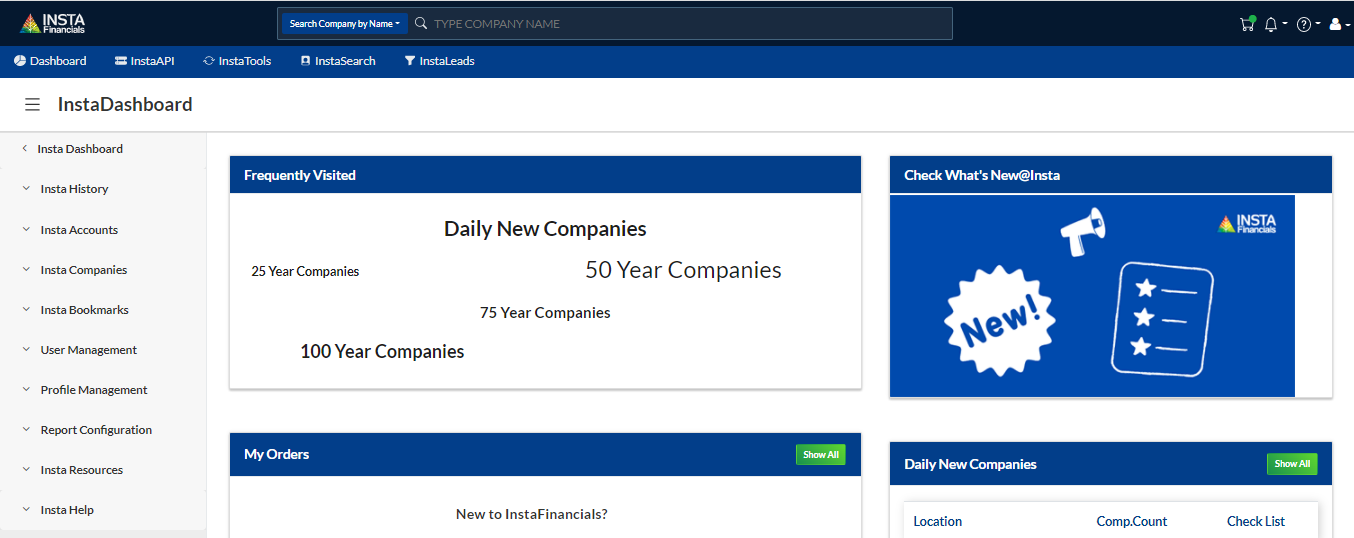
- Your registration process is complete and you will be redirected to InstaDashboard.
Important Notes:
- Your registered mail ID will be login ID
- You must enter a valid mail ID to receive the OTP
- Phone Number verification is not mandatory for users outside India
- If you have already used the mail ID & mobile number once, you will not be able to use the same again. Please contact us at support@instafinancials.com for getting your old ID activated or changed.