Forgot Password - How to Reset Your Account Password?
If you forget your password, it is easy to recover it in a few simple steps mentioned below.
- Enter your email address & click on Forgot Password option
- Password reset link will be sent to your email registered mail ID
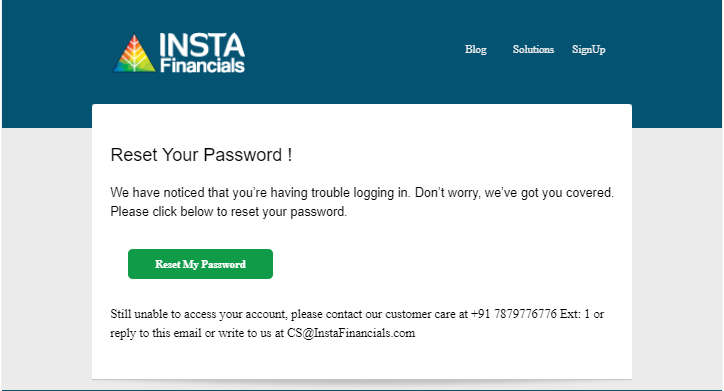
- Click on the Reset My Password button in the email and enter your new Password by fulfilling Password Criteria.
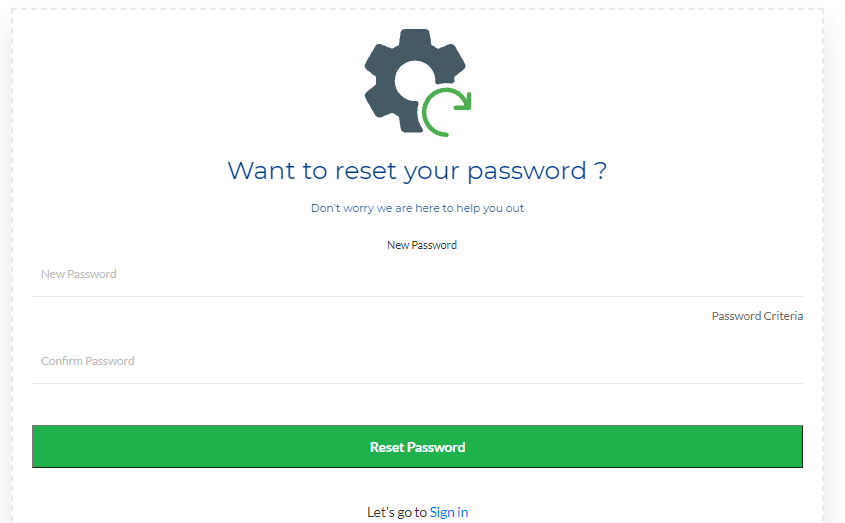
- Enter your New Password and Click on Reset Password.

- Follow the Password Criteria below: (Ex: Welcome@123)
- Be a minimum of 8 Characters
- Contains at least 1 Lowercase character
- Contains at least 1 Uppercase character
- Contains at least 1 Number
- Contains at least 1 Special character.
5. Once you reset the Password successfully, login with the new Password and it will redirect you to the InstaDashboard.