How to Create a New Account on InstaFinancials (Indian Users)
Visit InstaFinancials (Use Google Chrome for a better experience).
On the top right corner, Click on Start for Free to create an account.
3. Enter your Email ID or you can Signup through google.


Once you enter and submit your Email ID, you will receive an Email OTP to your registered mail. Sample OTP Mail is mentioned below:
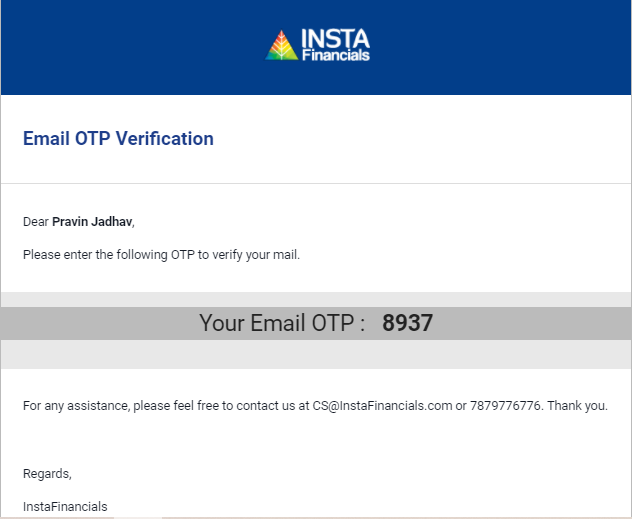
- Enter the OTP that you have received on your email
Enter your Phone number by verifying OTP (Phone Number verification is not mandatory for users outside India)
Set a strong Password


- Once the password has been set, You can either choose to update Billing information, or you can update it later by skipping the step.
Your registration process is complete and you will be redirected to InstaDashboard.
Important Notes;
Your registered mail ID will be login ID
You must enter a valid mail ID to receive the OTP
If you have already used the mail ID & mobile number once, you will not be able to use the same again. Please contact us at cs@instafinancials.com for getting your old ID activated or changed.

